

Tickets & Collaboration
This guide is for engineering team members (admin, lead, member; viewer has read-only access).
Creating & Editing Tickets
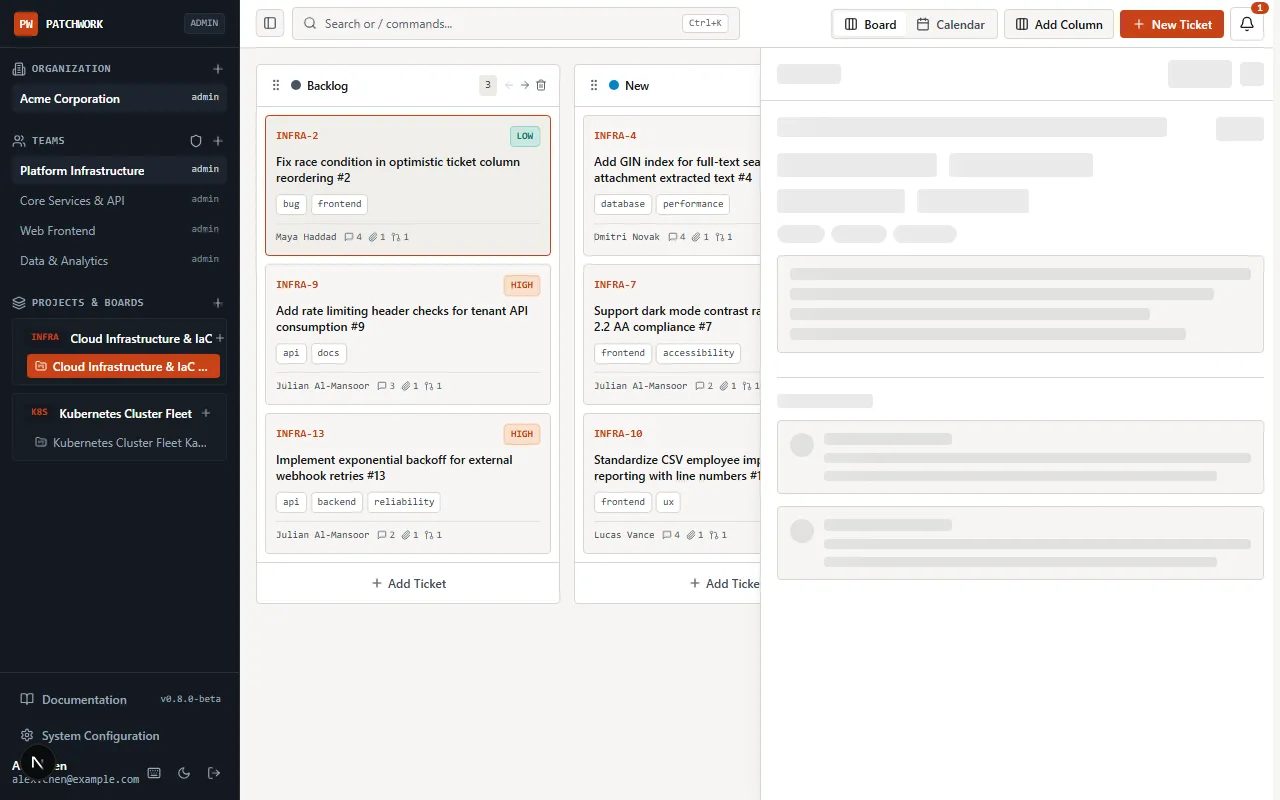
Section titled “Creating & Editing Tickets”- Click + New Ticket in the top bar, press
c, or run/new <title>in the Command Bar. - Click any ticket card to open the detail inspector panel:
- Title & Markdown Description: Supports headings, lists, code blocks, and inline formatting.
- Priority:
urgent,high,medium,low, ornone. - Assignee: Assign to yourself or a team member.
- Labels & Due Date: Tag tickets and set target dates (shown in Calendar view).
Moving Tickets & Workflow Rules
Section titled “Moving Tickets & Workflow Rules”Drag ticket cards between columns or use /move <ticket> <column> in the Command Bar. Every move is recorded in the ticket’s Activity History.
Comments & Activity History
Section titled “Comments & Activity History”- Post Markdown comments at the bottom of the ticket panel (
ticket.comment). - Review chronological status changes, assignments, and attachment events in the activity feed.
Expected Result
Section titled “Expected Result”Ticket mutations update the board immediately for all connected viewers via PostgreSQL LISTEN/NOTIFY and SSE.