

System Configuration
This guide is for organization administrators (admin role). Non-admins receive 403 Forbidden and are redirected from /dashboard/system.
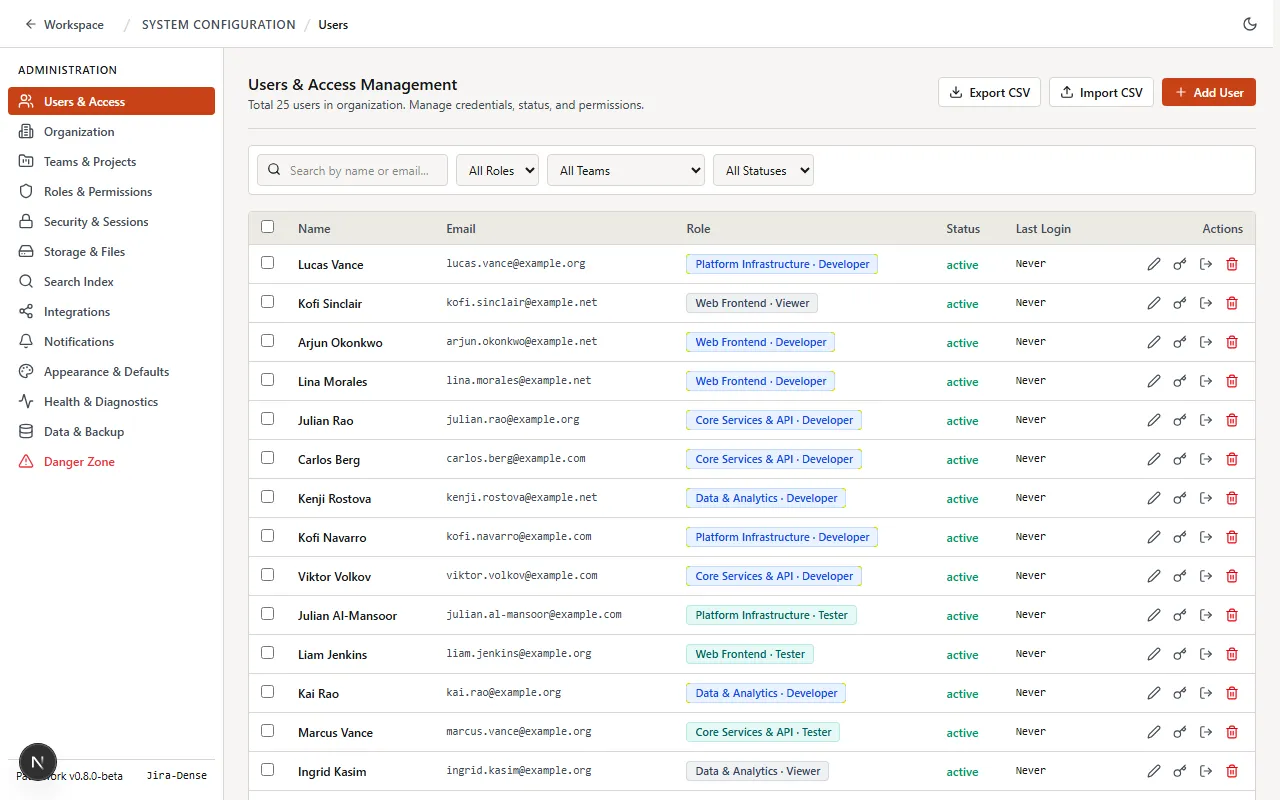
All 12 Configuration Sections
Section titled “All 12 Configuration Sections”- Users & Access (
users): Create, edit, deactivate, reset passwords, force sign-out, import/export CSV, and run bulk user actions. - Organization (
organization): Edit organization name, URL slug, and description. - Teams & Projects (
teams-projects-boards): Manage teams, team leads, team memberships, projects, and boards. - Roles & Permissions (
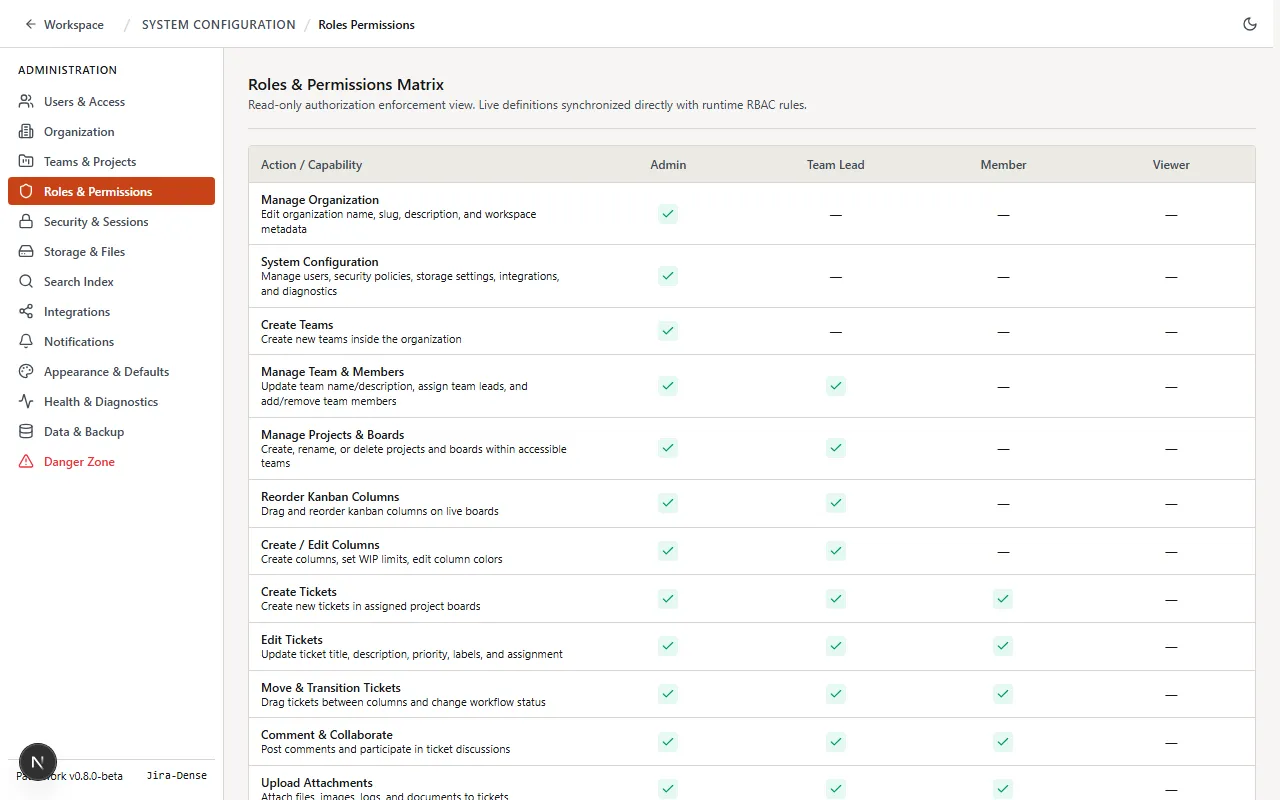
roles-permissions): View the authoritative RBAC matrix enforced across the workspace. - Security & Sessions (
security): Password complexity rules, session lifetime, idle timeout, and login rate-limit thresholds. - Storage & Files (
storage): Max attachment size, allowed MIME types, allowed extensions, MinIO health check, and orphan file cleanup. - Search Index (
search): Inspect FTS coverage and trigger a full PostgreSQLtsvectorsearch index rebuild. - Integrations (
integrations): Allowed GitHub/GitLab forge hosts, optional encrypted API tokens, and link metadata cache duration. - Appearance & Defaults (
appearance): Default theme, date/time format, priority colors, default labels, and default board columns. - Health & Diagnostics (
health): Live checks for PostgreSQL, MinIO bucket connectivity, migration status, and runtime diagnostics. - Data & Backup (
data-backup): Export workspace data and view backup guidance. - Danger Zone (
danger-zone): Irreversible administrative actions including archiving old tickets and purging deactivated accounts.
Expected Result
Section titled “Expected Result”Settings saved in System Configuration are validated against Zod schemas (src/lib/settings.ts), stored in system_settings, and applied immediately without restarting the server.